Motocross The Game controls
You control two things at once: the motorcycle with the left stick and triggers, and the rider with the right stick and the sit button. This is the layout from the developers' own video, followed by two layouts players have published and a Steam Input trick for braking.
Checked 19 November 2026. Button names are Xbox-style unless noted.
Default controller layout
| Input | Action |
|---|---|
| Left stick | Steering |
| Right stick | Moves the rider's hips forward, back, left and right |
| RT | Throttle |
| LT | Combined brakes (front and rear) |
| A | Rear brake on its own |
| B | Shift up |
| X | Shift down |
| RB | Clutch |
| LB | Sit |
The video describes this as “the layout shown here” and says every action can be rebound in the settings.
Source: MTG Explained: Controls and Controller Setup (official Motocross The Game YouTube channel, 16 Nov 2026).
The right stick is not a lean button
Moving the rider applies force to the bike. When the rider moves forward, he pulls on the handlebars, and sitting down or standing up also acts on the bike. The developers warn against simple rules such as “forward always means nose down” and say to watch the rider and the bike together.
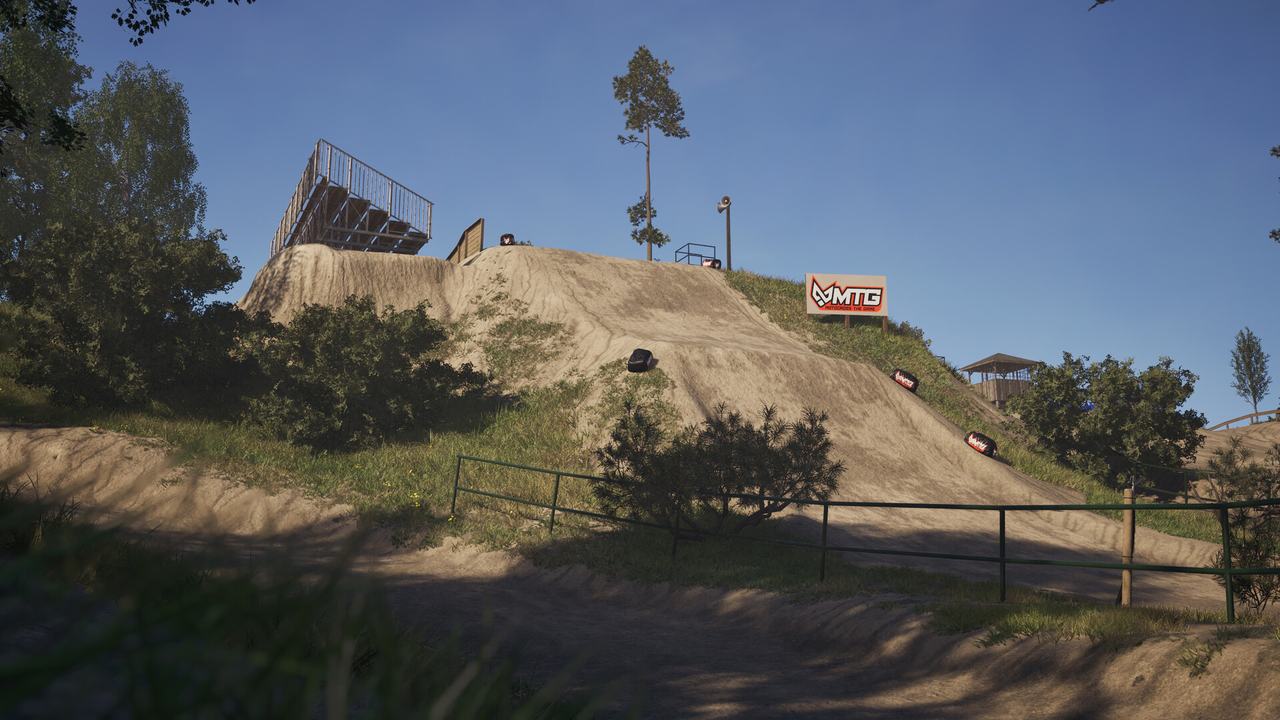
Source: MTG Explained: Controls and Controller Setup (official Motocross The Game YouTube channel, 16 Nov 2026).
Sit: hold or toggle
The sit control can be set to hold (seated while the button is pressed) or toggle (one press changes posture). The official video's advice is to know which one you are on before you reach an obstacle. Kelso recommends hold. He says he was advised to get comfortable with hold because of Supercross content planned later.
Source: MTG Explained: Controls and Controller Setup (official Motocross The Game YouTube channel, 16 Nov 2026); My BEST Settings After 70 HOURS in Motocross The Game! (player video by Kelso, 14 Nov 2026).
Two player layouts
| Action | Kelso (PlayStation-style pad with back paddles) | Slick Dozer (Xbox One pad) |
|---|---|---|
| Throttle | R2 | RT |
| Steering | Left stick | Left stick |
| Rider lean | Right stick | Right stick |
| Front brake | L2 | LT |
| Rear brake | L3 (left stick click) | RB |
| Sit / stand | L1, on hold | R3 (right stick click) |
| Clutch | X (Cross) | LB |
| Shift up | Triangle, mapped to a back paddle | A |
| Shift down | Circle, mapped to a back paddle | X |
| Look / camera | D-pad; D-pad up switches camera | D-pad |
Kelso put the rear brake on the left stick click so he can tap it in the air without taking his thumb off the steering. He moved sit to L1 only because holding R3 through a 15-minute moto hurt an injured wrist; he says clutch on L1 with sit on R3 worked fine for him before.
Source: My BEST Settings After 70 HOURS in Motocross The Game! (player video by Kelso, 14 Nov 2026); Motocross The Game Beginner Guide: 5 Tips to Get Better FAST! (player video by Slick Dozer, 15 Nov 2026).
Steam Input trick: both brakes on one trigger, rear brake still separate
This is Kelso's setup, which he credits to a streamer called Liquid. It makes the left trigger apply both brakes for corners while keeping a rear-only brake for the air, where a rear brake tap controls the bike's pitch and you do not want the front brake at all.
- In the game, bind front brake to the left trigger and rear brake to the left stick click (L3).
- In your Steam library, select Motocross The Game and click the controller icon.
- Choose Edit Layout, then Triggers.
- Under the left trigger, find the soft pull command and assign it to the left stick click.
- Now pulling the left trigger sends front brake and rear brake together. Clicking L3 alone sends only rear brake.
Because the rear brake is now a button, either fully on or off, Kelso pairs this with rear ABS on and front ABS off. Steam also lets you add the clutch as a sub-command on the same trigger. He tried it and advises against it: pulling the clutch on every brake removes engine braking, and the power came back unevenly when he released.
Source: My BEST Settings After 70 HOURS in Motocross The Game! (player video by Kelso, 14 Nov 2026).
A first drill from the developers
On a flat straight, practise gentle acceleration, a clean upshift, a controlled stop, and a deliberate sit-to-stand change. Then add small rider movements without turning at the same time. The goal is deliberate inputs, not a fast lap.
More of this is in the beginner guide. Slider values are on the steering settings page.
Source: MTG Explained: Controls and Controller Setup (official Motocross The Game YouTube channel, 16 Nov 2026).
Short answers
What are the default controls in Motocross The Game?
On the layout shown in the official video: left stick steers, right stick moves the rider, RT throttle, LT combined brakes, A rear brake, B shift up, X shift down, RB clutch, LB sit.
Can I rebind the controls?
Yes. The official video says you can rebind every action in the settings, following the action names shown on screen.
Should sit be on hold or toggle?
The game offers both. Kelso recommends hold, and says he was advised to get used to it before Supercross content arrives.
Spotted something wrong or out of date on this page? Tell us and we fix it the same day.